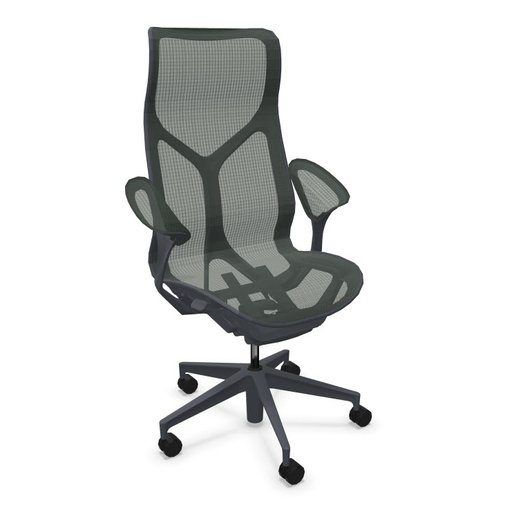
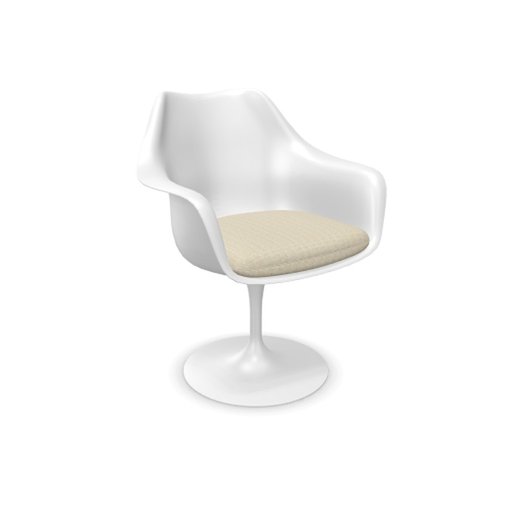
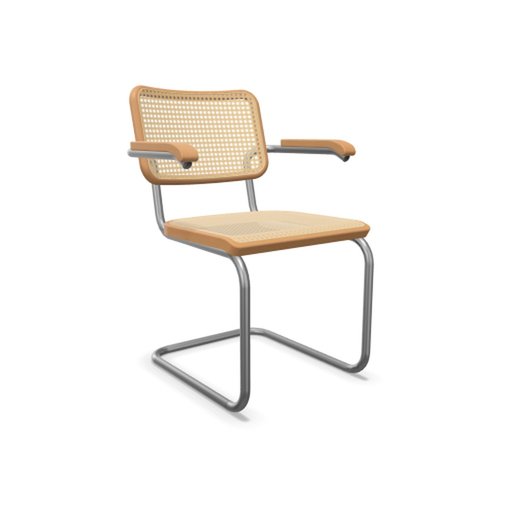
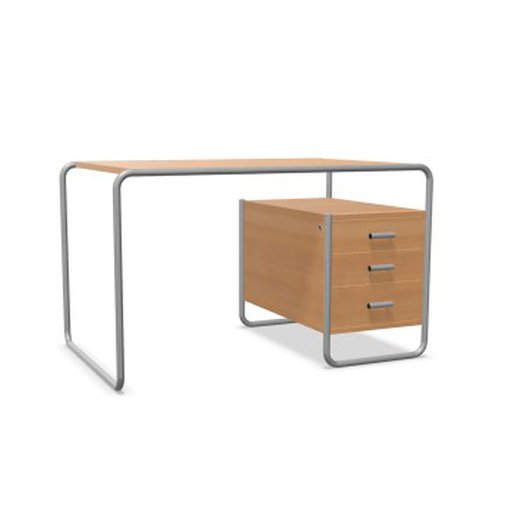
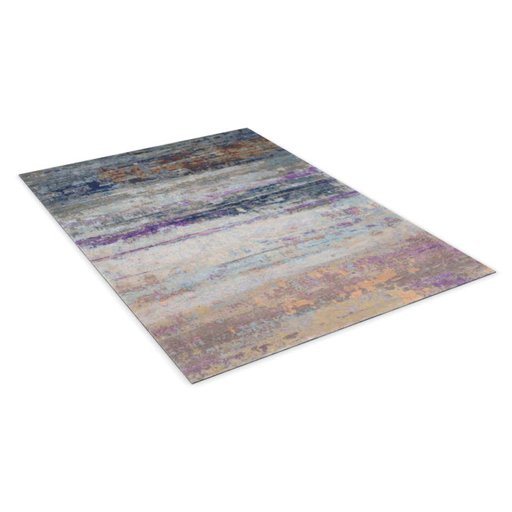
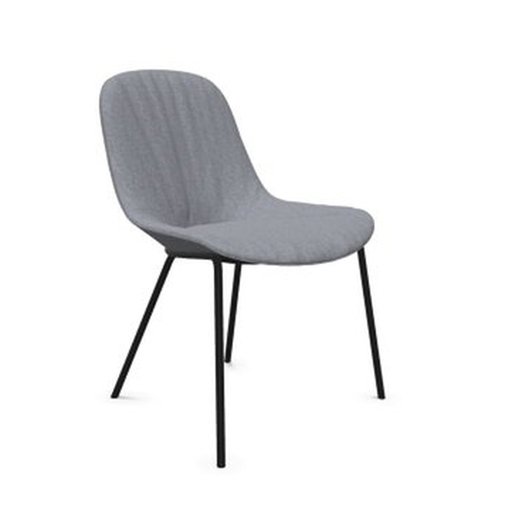
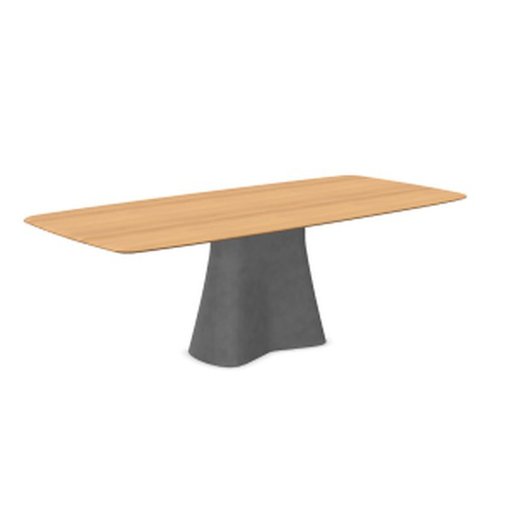
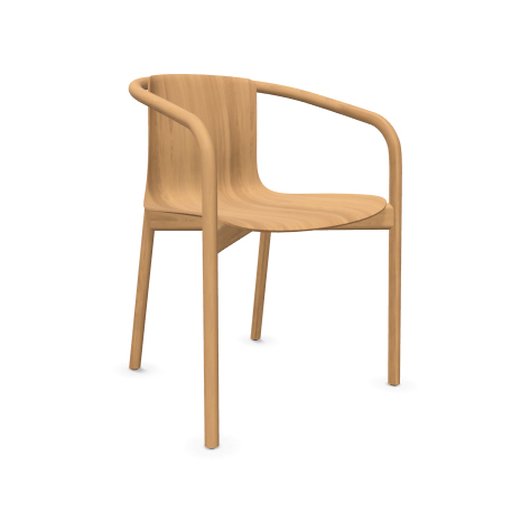
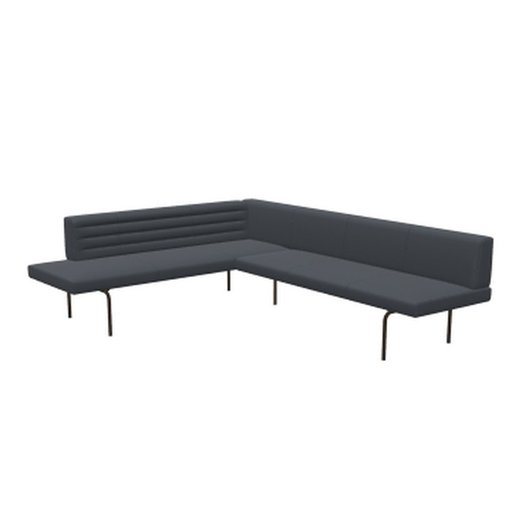
Real designer furniture
ready for Arch Viz and BIM

Over 200,000 readily available furniture pieces and lights — configured to manufacturer data and optimized for Enscape, Twinmotion, D5 Render, Lumion, V-Ray, Corona and SketchUp.

200K+
Configurable 3D objects, optimized for real-time and offline rendering
240+
Manufacturers across furniture, lighting and interior design
1-Click
Download in your tool's format — different target formats and LODs for your workflow

Directly from the brands you specify

All manufacturer catalogues

One source – many formats.

You configure the object you want, and Furnify3D optimizes geometry, materials and textures individually for the format you choose.

Enscape™ Beta

Enscape™-optimized model for use as a custom asset in the “Enscape™ Asset Library”, including preview image, metadata and CAD proxy.

For Archicad® SketchUp® Rhino® Vectorworks® Revit®
.glb Beta

Real-time optimized model in the universal glTF binary format (.glb) with PBR materials and textures — for use in Twinmotion®, D5 Render™, Lumion® (2024+), Blender® and more.

For Twinmotion® D5 Render™ Lumion® (2024+) Blender®
.vrscene Beta

Real-time optimized model as a Chaos® V-Ray scene (.vrscene) with materials — as a ZIP with its texture folder. For Chaos Envision®, 3ds Max® and Cinema 4D® with V-Ray® or Corona®.

For Chaos Envision® 3ds Max® + V-Ray® Cinema 4D® + V-Ray® Corona®
.skp Beta

Real-time optimized model as native SketchUp® (.skp) with materials and embedded textures — SketchUp® 2013–2020 file format, which newer versions open too. Without PBR materials: base colour texture only, no bump/normal, roughness, metallic or AO.

For SketchUp®

Built for how architects and designers actually work.

Not looking for "just any chair", but have specific ideas about the model and materials?
Then you're in exactly the right place.

Authentic manufacturer data

Every model is built directly from official manufacturer CAD data — not artist or AI-based interpretations. Your clients will recognize the exact chair they specified.

Configure like the real thing

Select the exact fabric, finish, dimension, and variant as offered by the manufacturer. The model updates in real-time. What you configure is what you render.

Optimized for real-time

A two-LOD system enables a fast workflow: lightweight proxies ensure smooth navigation in the CAD viewport, while a second, high-detail LOD delivers high-quality rendering — real-time and offline.

From the catalog to your scene in under 60 seconds

Browse, download, and place them in your scene. Done.

🔍
Step 1
Browse & Configure
Explore 200K+ objects from leading manufacturers. Configure materials, dimensions, and finishes in the pCon configurator.
⬇️
Step 2
Download
Choose your target format — Enscape, .glb, .vrscene or .skp — and generate a ready-made asset with one click. As a ZIP or straight into your asset folder.
Step 3
Use it in your tool
Place the asset in your tool — for visualization or BIM planning. Depending on the format, with materials, textures and product data.

Planned pricing at launch.

Beta: full catalog access, free. After launch, these plans apply — no credit card needed for beta.

Project
€20 / month
Billed monthly
  • Ready-made assets in various target formats and LODs
  • Material library for visualization and BIM
  • 3D model + PBR materials + metadata
  • Convert and optimize your own 3D models (USDZ, GLB)
  • Adjust the model configuration afterwards
  • My Assets library
Student
€5 / month
12 months, billed monthly
  • Ready-made assets in various target formats and LODs
  • Material library for visualization and BIM
  • 3D model + PBR materials + metadata
  • Convert and optimize your own 3D models (USDZ, GLB)
  • Adjust the model configuration afterwards
  • My Assets library